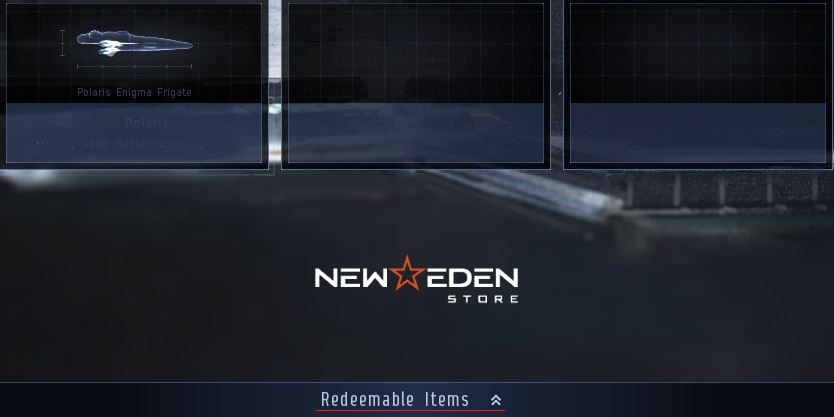
Many account items, such as starter items for upgraded accounts, PLEXes and items purchased through the New Eden Store, are delivered to your account’s Redeeming System. You can redeem these items by accessing the "Redeemable Items" screen, accessible from the bottom of the character selection page.
Alternatively they can be redeemed through the NEOCOM - Inventory - Redeem Items section.
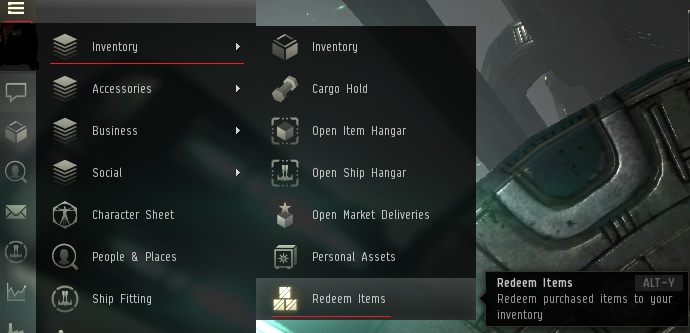
You can also use the default shortcut of ALT-Y to open the redeem items screen.
If you are interested, it is possible to return PLEX back into the redeeming system. This is done by right clicking on the PLEX locating in your hangar and selecting the "Reverse Redeem" option. The PLEX can then only be redeemed back to its former station. More information on Reverse redeeming can be found here.